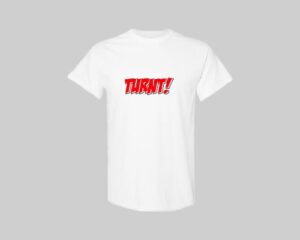
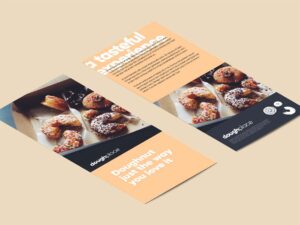
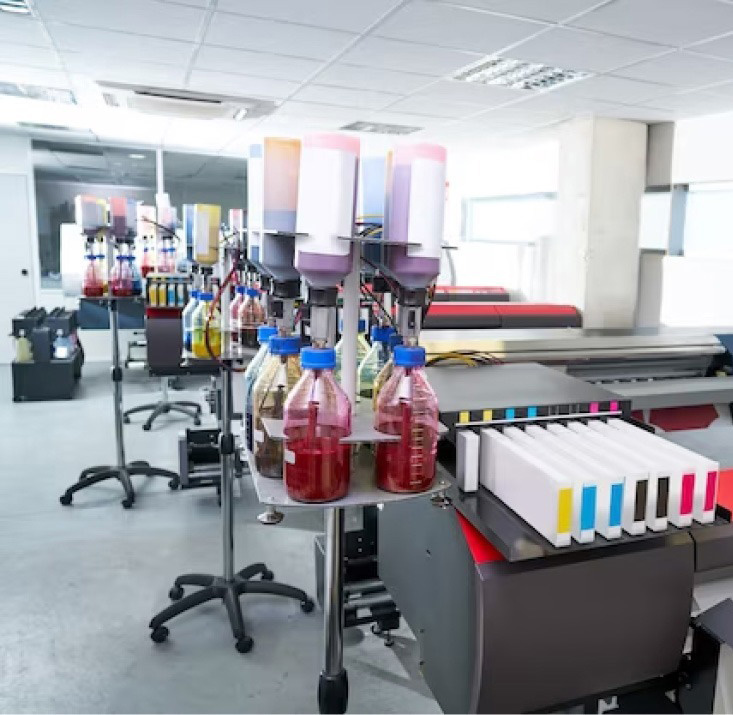
Browse the product catalog on fiwa-print.com and select what you want printed — T-shirts, mugs, flyers and handbills, roll-up banners, paper bags, brochures, or another listed item.
All Of Your Printing Needs

Many media sources
Upload images from any devices, data formats are JPG, PNG, SVG
Image Transformations
Images and graphics can be transformed with various options

Advanced Colour System
Customers can apply any colour using the color picker tool
Our Product
LABEL STICKERS
FLEX BANNER 5FT x 3FT MEDIUM
FLEX BANNER 7FT x 3FT LARGE
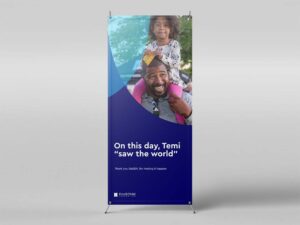
ROLL UP BANNER (BIG BASE)
ROLL UP BANNER (SMALL BASE)
DOOR BANNERS
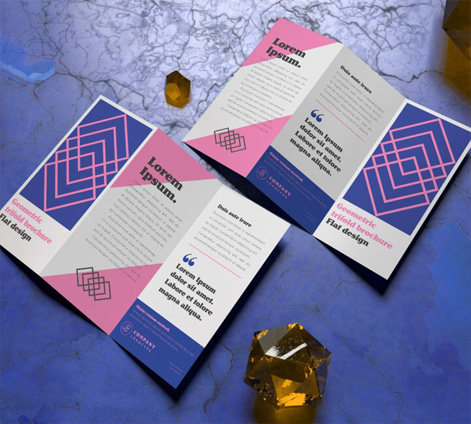
TRI-FOLD BROCHURE
KRAFT PAPER BAG
A5 BRANDED PAPER BAG 5.8″ x 8.3″
A3 BRANDED PAPER BAGS 16.5″ x 11.5″
A4 BRANDED PAPER BAG 11.7″ x 8.3″
PRINTED HOODIE
PREMIUM POLO SHIRT
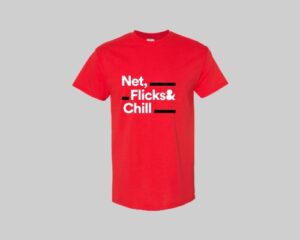
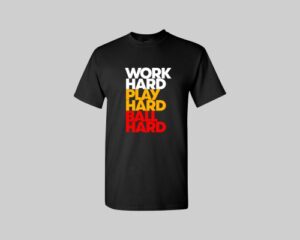
T-SHIRTS
HIS/HER MUG
MAGIC COLOUR CHANGING MUG
SIMPLE MUG 11oz
X-BANNER STAND
ROLL UP BANNER (85X200CM)
SINGLE SIDED FLYERS (A5)
DOUBLE SIDED FLYERS (A4)
What We Offer
Our mission is to provide high-quality prints that are tailored to your specific requirements, and to make the printing process as easy and seamless as possible.
Exceptional Quality and Seamless Process with Print 128, we pride ourselves on providing exceptional customer service.
Chris Linder
Founder
How your printing order is processed
Every order is placed online. From the moment you choose a product to the moment you confirm delivery, you will move through a clear sequence of emails, proofing, payment, and production. Keep your order number — it is how we track your job.
1. Choose the item from the catalog
2. Submit the order and upload your artwork
Complete the online order form and upload the images or design files to be printed. Orders are accepted online only. Do not send artwork by chat or informal message as a substitute for the order form.
3. Your order is created
The system creates the order and assigns an order number. That number is the reference for review, proofing, payment, production, and delivery.
4. Order details are emailed to you
You receive an email with your order details and order number. Check that the product, quantity, and uploaded files match what you submitted. If something is wrong, contact the FIWA PRINT team with the order number.
What you should do: save the email and quote the order number in every follow-up.
5. The team reviews the order
The FIWA PRINT team checks the order, artwork, and print requirements before anything goes to proof. Incomplete files or unclear instructions may pause the order until you reply.
- Â
6. A proof is sent for your approval
You receive a confirmation for proofing. Review the proof carefully — spelling, layout, colors, size, and placement. Reply with approval, or with clear corrections, using the order number.
What you should do: approve or request changes. Printing does not start from a proof you have not approved.
7. Approval creates the invoice
Once you approve the order, an invoice and payment-method email are generated automatically and sent to you. Payment is requested only after approval.
- Â
8. Pay, then wait for payment confirmation
Pay using the method in the invoice email. After payment is received, the FIWA PRINT team acknowledges it, sends confirmation of payment, and moves the order into processing.
What you should do: pay, then follow up with the team if you do not receive a payment acknowledgement.
9. Production starts, with a delivery date
You receive an email when processing has started. That email states the delivery date. Production begins only after payment has been confirmed.
10. The order is completed and delivered
The finished order is delivered to you as agreed. Keep the order number until you have checked the delivery.
11. Confirm delivery so the order can close
After you receive the order, confirm delivery with the FIWA PRINT team. The order is closed only after that confirmation. If anything is missing or incorrect, contact the team with the order number before confirming.